

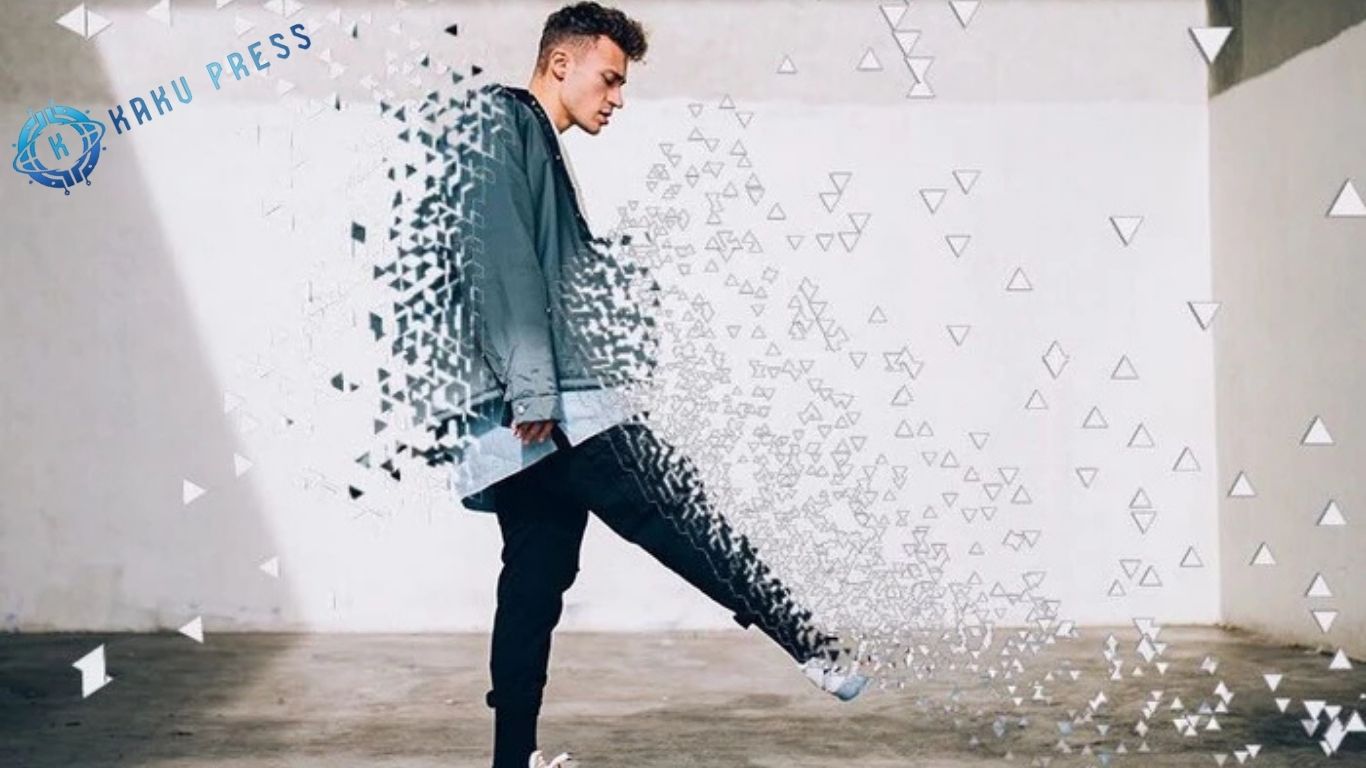
Photo editing is an essential skill that can transform ordinary photos into striking, professional-quality images. Whether you’re a beginner, a hobbyist photographer, or just starting your journey in photo editing, learning the fundamental techniques can dramatically improve the clarity, color, and overall impact of your images. In this guide, we’ll walk you through 9 simple photo editing steps for beginners that will help you enhance your photos, boost their visual appeal, and achieve results that look polished and professional.
Choose the Right Software
Before you begin editing, selecting the right photo editing software is crucial to match your skill level and editing goals. The right tools make learning faster and help you achieve professional-looking results.
Top Beginner-Friendly Options Include:
- Adobe Lightroom: Offers a user-friendly interface with powerful tools for color correction, exposure adjustments, and cropping, making it perfect for beginners.
- GIMP (GNU Image Manipulation Program): A free, open-source alternative to Photoshop with a wide range of features for more advanced edits.
- Snapseed (Mobile App): An intuitive mobile app with essential editing tools and creative filters for editing photos on the go.
Import Your Photos
Begin by importing your photos into your chosen photo editing software. To stay efficient and maintain a seamless workflow, organize your images into folders or albums. Proper organization helps you quickly locate files, manage large photo collections, and edit more effectively.
Crop and Straighten
Use the cropping tool in your photo editing software to remove unwanted elements and refine the composition of your images. Experiment with different aspect ratios, such as 4:3 or 16:9, to create better visual balance and draw attention to your subject. Proper cropping can instantly make your photos look more polished and professional.
Adjust Exposure and Contrast
Fine-tune your photo’s exposure and contrast to enhance overall brightness and reveal details in both shadows and highlights. Use the editing software sliders to adjust exposure, highlights, shadows, and contrast, achieving an optimal tonal balance that makes your images look vibrant and professional.
Enhance Colors
Bring your photos to life by enhancing colors using your photo editing software. Adjust saturation, vibrance, and hue to make images more vivid and visually appealing. Experiment with color temperature to create warmer or cooler tones, giving your photos a mood and style that matches your vision.
Sharpen and Reduce Noise
Apply sharpening tools to bring out fine details and improve overall clarity in your photos. Pair this with noise reduction features to minimize graininess, especially in low-light shots, ensuring your images look clean, crisp, and professional.
Apply Filters and Effects
Experiment with creative filters and effects to give your photos a unique and captivating look. Try black-and-white conversions, vintage effects, or artistic overlays to express your personal style and make your images stand out. Thoughtful use of filters can transform ordinary photos into visually striking works of art.
Remove Blemishes and Imperfections
Use the healing brush or spot removal tool in your photo editing software to eliminate blemishes, dust spots, and distracting elements. For portraits, retouch skin to achieve a smoother, more polished appearance, giving your images a professional and refined finish.
Save and Export
After completing your edits, save your photos in the appropriate format and resolution for your needs. Use JPEG for online sharing or TIFF for high-quality prints. Always keep a copy of the original file so you can make future edits without losing the initial image quality. Proper saving and exporting ensure your photos retain their clarity and look professional across all platforms.
You Me Like It: Privacy Policy
Additional Tips for Beginners
Keep Edits Natural for Realistic Results
Avoid over-editing, which can make your photos look unnatural. Focus on enhancing your images while maintaining a realistic and balanced appearance, ensuring your photos feel authentic and visually pleasing.
Practice Regularly to Improve Your Skills
Consistent practice is key to mastering photo editing. Experiment with different techniques, styles, and tools to develop your editing skills and discover what works best for your photography.
Seek Feedback to Learn and Grow
Share your edited photos with friends, family, or online photography communities to gain constructive criticism. Feedback helps you refine your skills, understand different perspectives, and grow as a photo editor.
Frequently Asked Questions
What is photo editing, and why is it important for beginners?
Photo editing is the process of enhancing and adjusting images to improve their quality, composition, and visual appeal. For beginners, learning basic photo editing techniques can transform ordinary photos into professional-looking images.
Which photo editing software is best for beginners?
Popular beginner-friendly options include Adobe Lightroom for intuitive editing, GIMP as a free alternative to Photoshop, and Snapseed, a mobile app perfect for on-the-go editing. Choose software that matches your skill level and goals.
How do I import and organize photos for editing?
Start by importing your photos into your chosen software. Organize them into folders or albums to streamline your workflow and make it easier to find and edit images efficiently.
What is the purpose of cropping photos?
Cropping removes unwanted elements and improves composition, helping to draw focus to your subject. Experiment with aspect ratios like 4:3 or 16:9 to enhance the visual balance of your photos.
How do I adjust exposure and contrast effectively?
Use your software’s sliders to fine-tune exposure, highlights, shadows, and contrast. Proper adjustments reveal details in both dark and bright areas, creating a balanced and professional-looking image.
How can I make my photos more colorful and vibrant?
Enhance colors by adjusting saturation, vibrance, and hue. Experiment with color temperature to achieve warmer or cooler tones, giving your photos mood and style.
What tools help remove blemishes and unwanted elements?
Use the healing brush or spot removal tool to eliminate blemishes, dust spots, or distractions. For portraits, these tools help achieve smoother skin and a polished look.
Conclusion
Mastering photo editing for beginners doesn’t have to be complicated. By following these 9 simple steps, you can enhance your photos, improve composition, adjust lighting, fine-tune colors, and add creative touches that make your images stand out. Remember to keep edits natural, practice regularly, and seek feedback to continuously improve your skills.
