

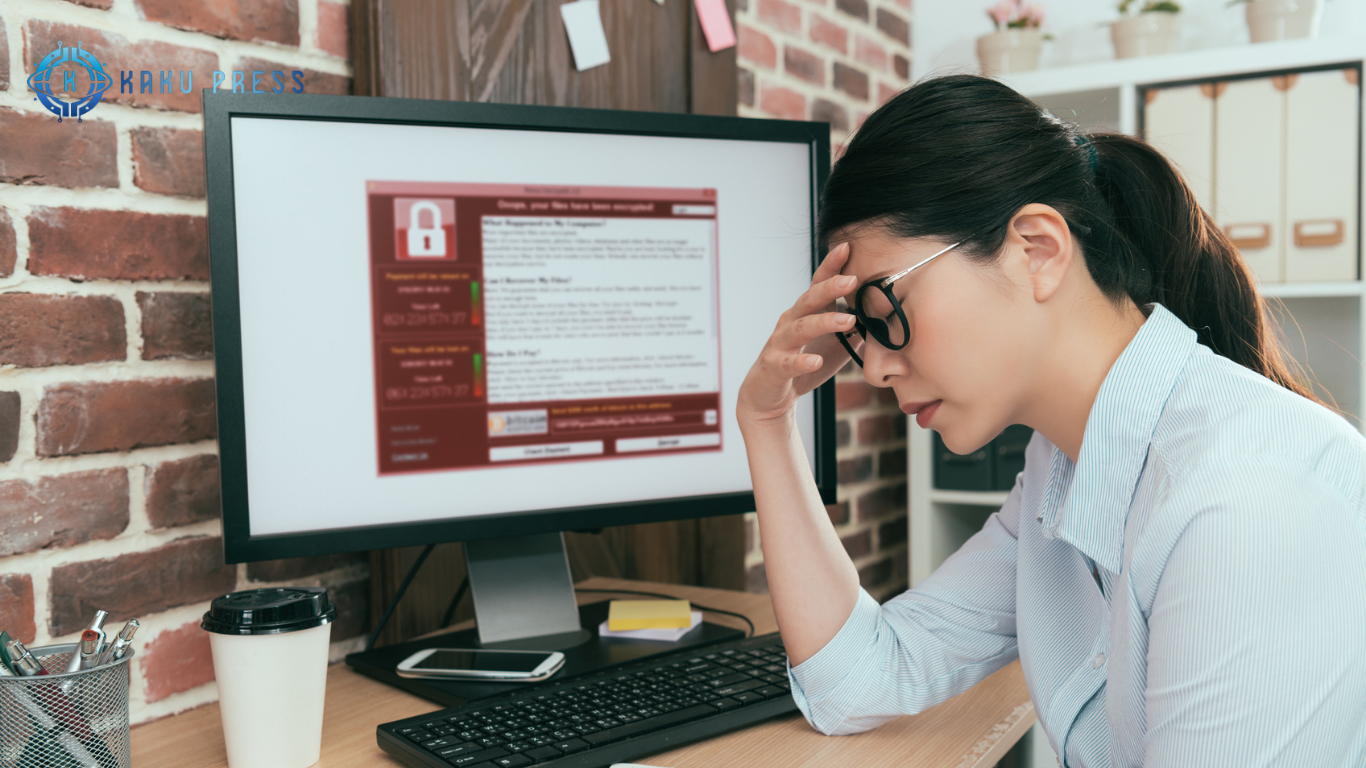
How to Tell if Your Computer or Laptop Is Infected with a Virus
Service Interruptions and Blue Screens: If your computer or laptop suddenly experiences service interruptions or frequently shows a blue screen of death (BSOD), it could be a strong sign that your device is infected with a virus. These disruptions often indicate that malware is interfering with your system’s normal operations.

Slow Performance and Unexpected Shutdowns: If your computer or laptop slows down significantly or shuts down while running heavy applications, it may be infected with a virus or malware. Unexpected performance drops are often a clear symptom of a compromised system.
Unusual Hard Drive Activity: Notice hard drive activity even when your computer is idle? Constant disk usage without any active programs could indicate a virus running in the background, trying to manipulate your system or steal data.
Strange Computer Behavior or Missing Files: If your computer’s Windows display shows unusual behavior, such as missing drives or files, this is a strong warning sign of a computer infection. Viruses can corrupt or hide files, affecting your normal operations.
Issues with Emails or Attachments: Problems such as emails not opening or attachments failing to load may indicate a virus targeting your email client. Malware often interferes with messaging systems to spread or steal information. kaku press
Malicious Program Activity: If programs disappear, become corrupted, or open on their own, and you notice attempts to access the internet without your permission, this behavior is typical of a malware infection. Immediate action is required to prevent further damage.

Unusual Network Activity: If your router lights are flashing constantly or your internet data usage spikes while no major programs are running, it could indicate a virus or malware operating in the background. Unexplained network activity often points to unauthorized access or data transmission.
Suspicious Emails from Your Account: Receiving emails from your own address that you didn’t send is a serious warning sign. This could mean your computer or email account has been hacked, often due to a malware infection or stolen credentials. Immediate action is needed to secure your accounts.
Antivirus or Security Software Malfunctions: If your antivirus program suddenly stops working or fails to update, malware may be turning off your security defenses. Such disruptions are a strong indication that your computer is infected, and prompt corrective measures are essential to prevent further damage.
Read also: How to Make Money by Renting or Selling Your Belongings
What are the solutions to these problems?
How can we take precautions?
This issue affects millions of users because we rely on our computers and laptops for nearly every part of daily life. From browsing the internet to shopping online, banking, completing homework, or playing games, our devices connect us to essential services. We also use them to stay in touch with family and friends through social media, making computer security more important than ever.

As a result, our computers and laptops store a wealth of personal information, including banking details, financial records, and medical data—all sensitive information we want to protect. Without proper protection, identity thieves and cybercriminals can access this data, while viruses, spyware, or malware can slow your system down, corrupt files, or even cause permanent damage.
We encourage you to stay informed about computer security. Visit our website to read more posts and tips on technology, cybersecurity, and safe computing. Today’s tech-savvy generation embraces technology confidently—don’t shy away from it; approach it wisely, and you’ll reap the benefits of a safer, more efficient digital life.
Frequently Asked Questions
What are the first signs my computer might be infected with a virus?
Early signs include slow performance, unexpected shutdowns, and frequent blue screens. These are often caused by malware interfering with your system’s operations.
Why is my computer running slowly even without heavy programs?
If your computer or laptop slows down unexpectedly, it could be due to a virus or spyware using system resources in the background.
How can I tell if my hard drive is infected?
Unexplained hard drive activity when your computer is idle is a warning sign of a virus running in the background, possibly trying to steal or corrupt data.
What does it mean if files or drives are missing?
If files, folders, or drives disappear, this may indicate a malware infection, as viruses can hide or delete critical data.
Can suspicious emails indicate a virus?
Yes. Receiving emails from your own account that you didn’t send or attachments that won’t open can signal that malware or a virus is affecting your system.
Why do programs open or disappear on their own?
When programs malfunction, disappear, or start running without permission, it usually points to malicious software trying to control your computer.
What does unusual network activity mean?
If your router lights flash constantly or data usage spikes without active programs, a virus or malware may be transmitting data in the background.
Conclusion
Protecting your computer or laptop from viruses is essential in today’s digital world. From slow performance and blue screens to unusual network activity, missing files, and compromised antivirus software, these warning signs indicate your system may be infected. Regular antivirus scans, safe browsing habits, and timely updates are key to keeping your personal information, financial data, and files secure. Stay vigilant, recognize the symptoms early, and take action promptly to prevent malware damage and safeguard your digital life.
